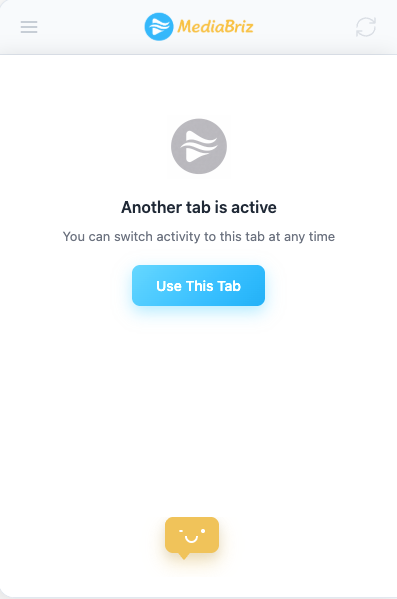
When the application is open in a non-active tab, a message is displayed offering you to make this tab the active tab.
To activate it, click the button shown under the message.
Once activated, the current tab becomes active and the previously active tab switches to non-active, displaying the same message.
Was this article helpful?
That’s Great!
Thank you for your feedback
Sorry! We couldn't be helpful
Thank you for your feedback
Feedback sent
We appreciate your effort and will try to fix the article