When a Genesys tab is extracted or opened as an additional tab, the application continues to treat it as a Genesys tab, not as a separate application window.
As a result, the same active / non-active tab behavior applies.
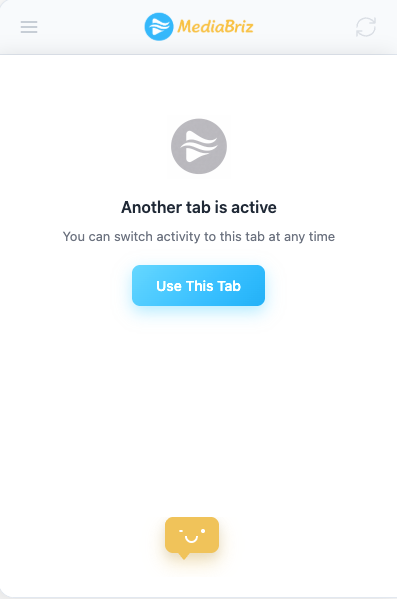
Only one tab can be active at a time, and non-active tabs will display the message prompting the user to make the tab active.
Was this article helpful?
That’s Great!
Thank you for your feedback
Sorry! We couldn't be helpful
Thank you for your feedback
Feedback sent
We appreciate your effort and will try to fix the article