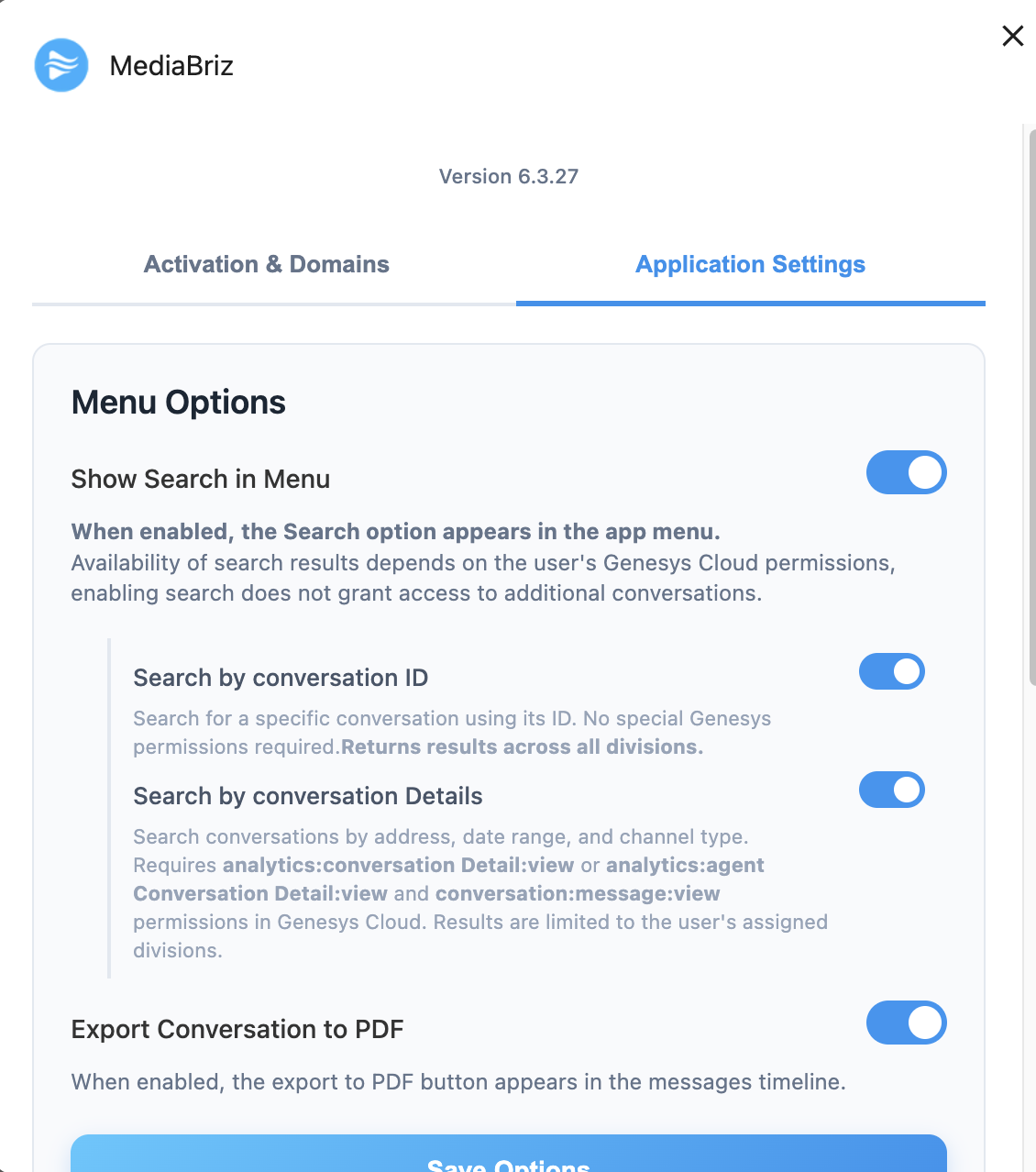
Search permissions are fully configurable within the application Settings window.
Administrators can:
- Enable or completely disable access to the Search module
- Allow search access but restrict specific search types (e.g., disable search by Details or by ID)
Based on the configured settings, the application dynamically enables or blocks the relevant search capabilities.
Additionally, the application inherits user permissions from the Genesys platform.
This means:
Even if a permission is granted within the app settings, if the user does not have the corresponding permission in Genesys, access will still be restricted.
The application cannot override Genesys-level access control.
Was this article helpful?
That’s Great!
Thank you for your feedback
Sorry! We couldn't be helpful
Thank you for your feedback
Feedback sent
We appreciate your effort and will try to fix the article