Audio files can be played from the Media view or directly from Message History.
From the Media view, select an audio media item to begin playback.
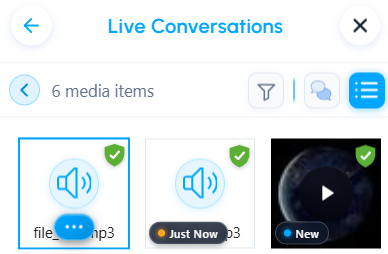
The audio player appears at the bottom of the application.

The audio player allows you to:
- Play or pause the audio
- Adjust the volume
- Change the playback speed
- Restart the audio from the beginning
- Close the player
Was this article helpful?
That’s Great!
Thank you for your feedback
Sorry! We couldn't be helpful
Thank you for your feedback
Feedback sent
We appreciate your effort and will try to fix the article