Message status indicators in Message History help you understand the delivery state of each message.
The available indicators depend on the conversation channel. They may show whether a message was sent, delivered, read, or failed.
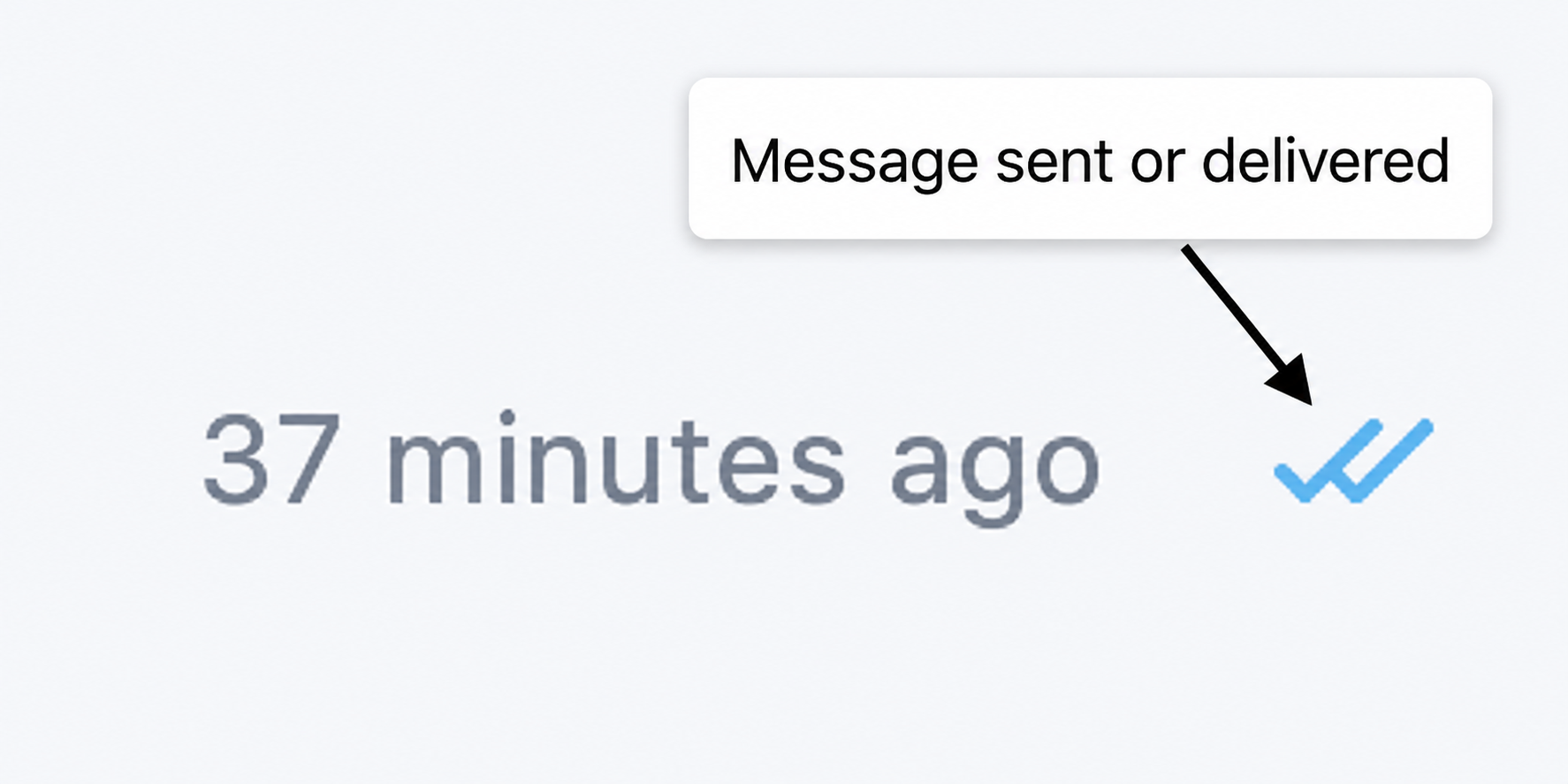
Successful message progress
Check marks can indicate that a message was sent, delivered, or read. The precise status represented by the check marks depends on the channel.
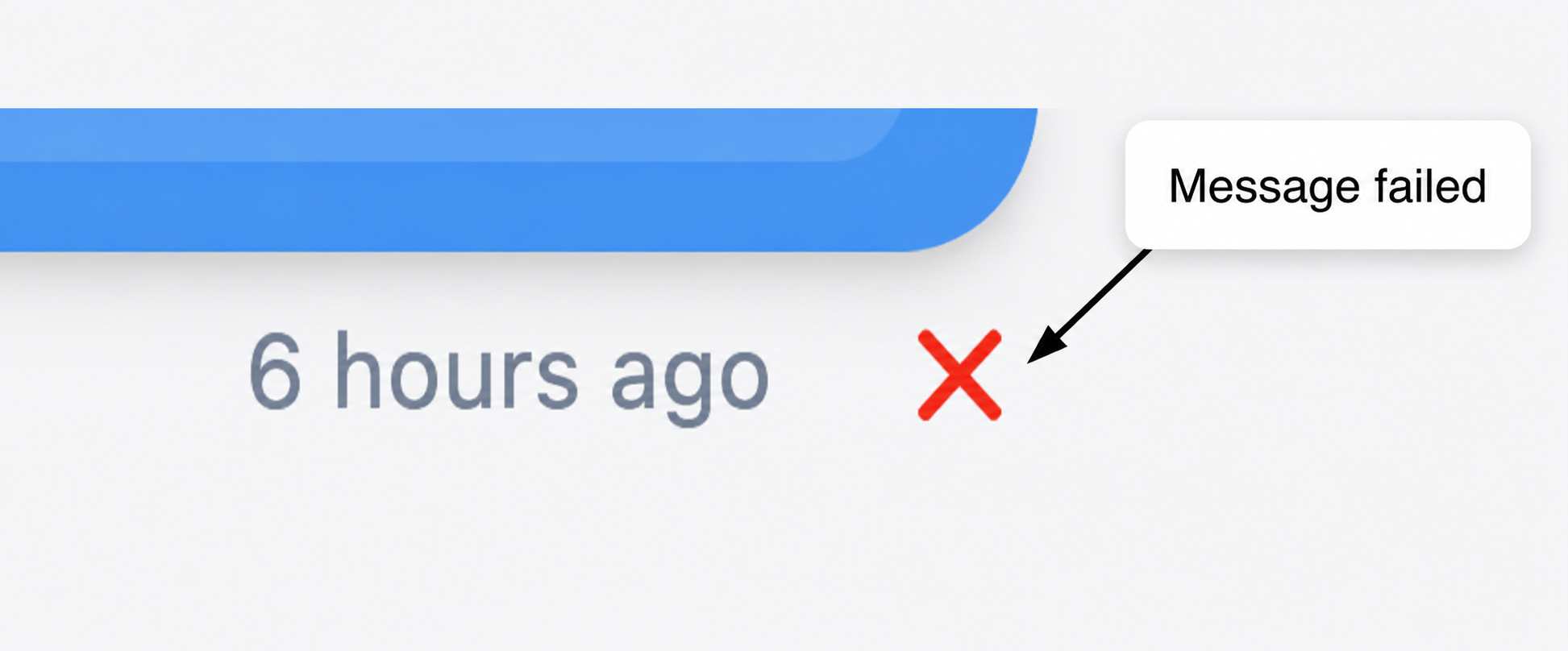
Failed message
A red X indicates that the message could not be delivered.
These indicators help agents track message delivery and understand the customer’s interaction with the conversation.
Related article
Was this article helpful?
That’s Great!
Thank you for your feedback
Sorry! We couldn't be helpful
Thank you for your feedback
Feedback sent
We appreciate your effort and will try to fix the article