Overview
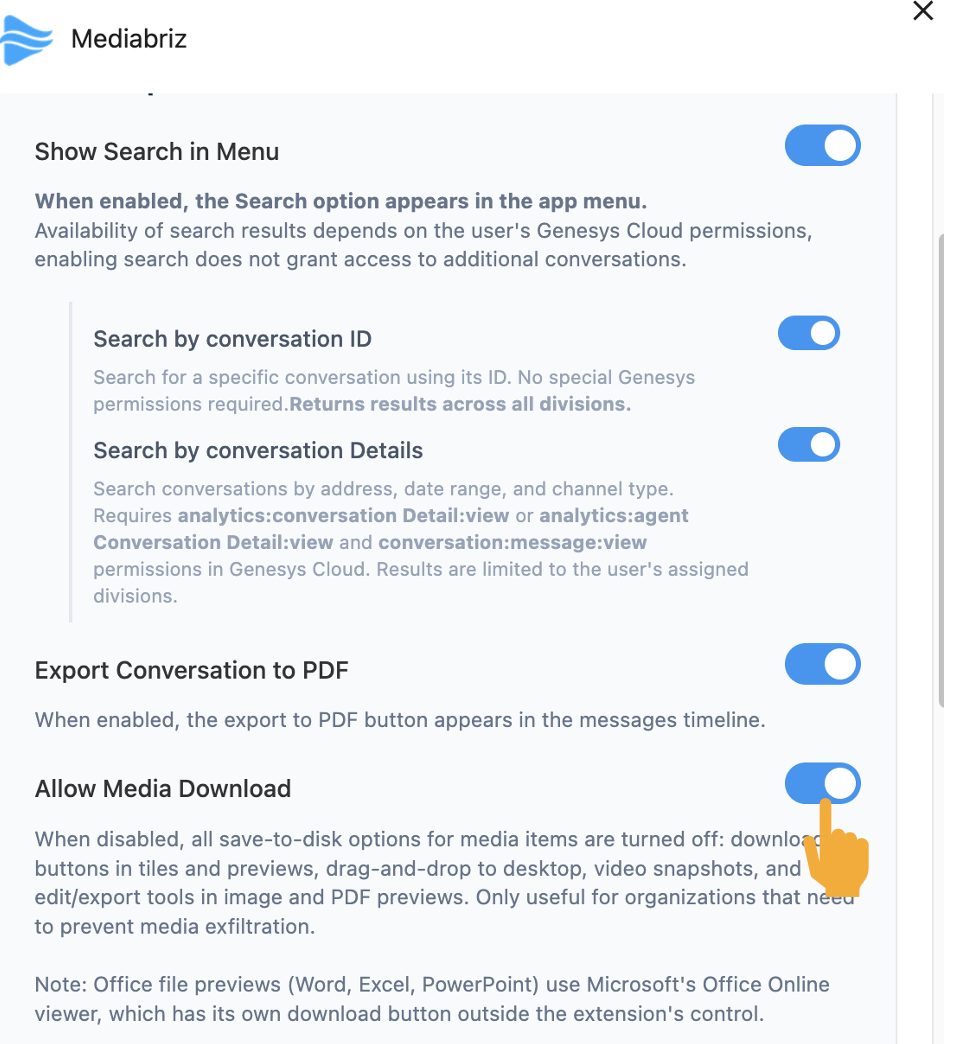
Mediabriz allows administrators to control whether users can download media files from the application. This setting helps organizations manage data security and prevent unwanted file downloads.
When enabled (default)
- Users can download files
- Editing is available (images, PDFs)
When disabled
- Downloads are blocked
- Editing is disabled
- Drag & drop and export are not available
? Used to prevent saving files locally.
Where to Find the Setting
Go to:
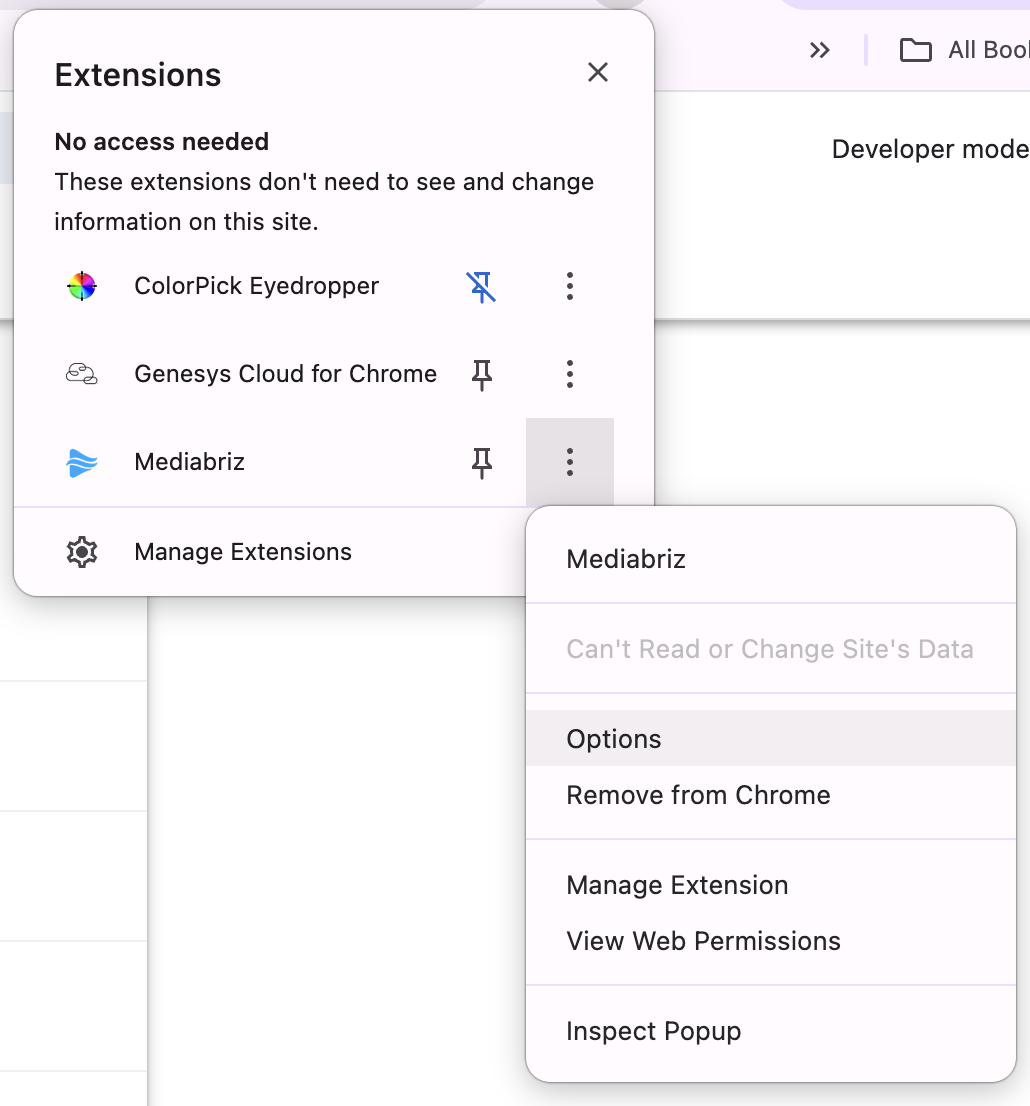
Settings → Application Settings → Allow Media Download
Was this article helpful?
That’s Great!
Thank you for your feedback
Sorry! We couldn't be helpful
Thank you for your feedback
Feedback sent
We appreciate your effort and will try to fix the article