Mediabriz allows you to preview email attachments (.eml files) directly within the application.
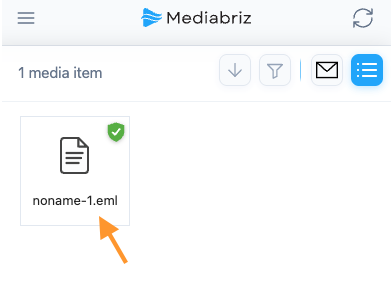
When an email contains another email as an attachment, simply select the attachment in the Gallery to view its contents, including the sender, recipients, subject, date, and message body.
Unlike the standard Genesys Cloud experience, there is no need to download the attachment before viewing it.
Was this article helpful?
That’s Great!
Thank you for your feedback
Sorry! We couldn't be helpful
Thank you for your feedback
Feedback sent
We appreciate your effort and will try to fix the article